
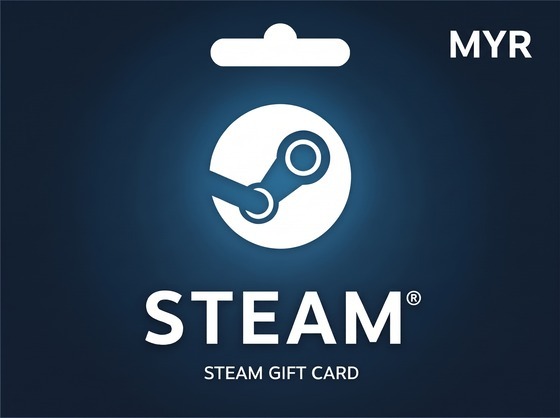
Steam Wallet MYR
Important note: Steam Wallet MYR codes are for Malaysia region accounts.
Steam Wallet Malaysia (MYR) codes, paid in Taka
A Malaysian ringgit wallet code tops up a Steam account set to the Malaysia region. Malaysia sits in a mid-tier Steam price band — not as low as India, but below US and European pricing — and the larger RM100 and RM200 denominations make it a practical way to fund a bigger library in one go.
Steam Store BD is an independent gift card retailer in Bangladesh. We sell the code; Valve runs the store.
Region matters
MYR codes redeem only on Steam accounts whose store country is Malaysia. They will not work on a Bangladesh, India or US account. Check your store country under Steam, Account Details before ordering — we cannot change an account's region and a code redeemed against the wrong region cannot be undone.
What you get
- Four denominations: RM20, RM50, RM100 and RM200, from ৳850 to ৳6,600.
- Email delivery within minutes, plus a permanent copy in your order history here.
- Live stock per denomination, so you never pay for something we do not hold.
- bKash and Nagad accepted, priced in Taka with nothing added at checkout.
Redeem through Steam, Account Details, "Redeem a Steam Gift Card or Wallet Code". The ringgit balance stays on the account until you spend it.
Redeeming your Steam Gift Card is simple and takes only a few minutes.
Follow the steps below to add funds to your Steam Wallet and start purchasing games, DLCs, software, and more.
✅ Step 1: Log In to Your Steam Account
Open the Steam application on your PC or visit the Steam website and sign in to your account.
✅ Step 2: Go to Account Details
Click your profile name in the top-right corner and select Account Details.
✅ Step 3: Open Steam Wallet Settings
Under the Store & Purchase History section, click:
Add Funds to Your Steam Wallet
✅ Step 4: Redeem a Steam Gift Card or Wallet Code
Select:
Redeem a Steam Gift Card or Wallet Code
✅ Step 5: Enter Your Gift Card Code
Enter the Steam Wallet code you received after purchase.
⚠️ Make sure there are no extra spaces before or after the code.
✅ Step 6: Click Continue
Click the Continue button to verify and redeem your code.
✅ Step 7: Enjoy Your Steam Wallet Balance
Once redeemed successfully, the gift card value will be added instantly to your Steam Wallet balance. You can now purchase games, DLCs, software, in-game items, and other content available on Steam.